How to Transfer a Domain to a Cheaper Registrar (Step by Step)
How to transfer a domain to another registrar, step by step, and cut your renewal costs. Unlock, get the auth code, avoid downtime, and know what it costs.
 PitchName Team6 min read
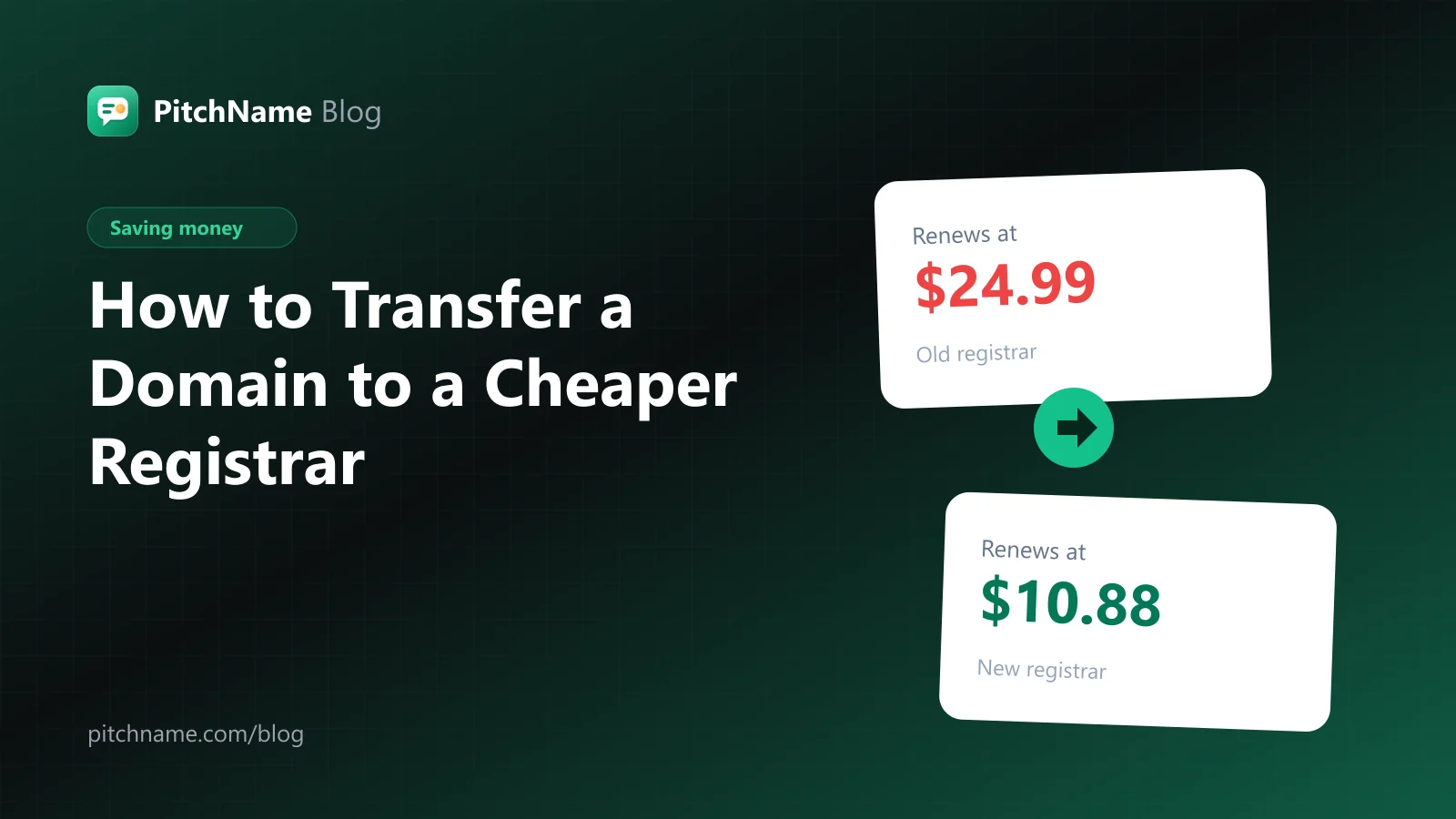
If your domain renews at $20 or more a year, you are probably paying for the registrar, not the domain. The same .com renews for around $11 at low-cost registrars, and moving it there takes about ten minutes of work. Knowing how to transfer a domain to another registrar is one of the easiest ways to cut the running cost of a website or a domain portfolio.
This guide walks you through the whole domain transfer process, what it costs, how long it takes, and how to move a domain without your website or email going down.
Why transfer a domain?
The most common reasons:
- Lower renewals. Big-brand registrars often renew a .com at $20 to $25 a year. Low-cost registrars renew the same domain for about half.
- Free privacy. Some registrars still charge yearly for WHOIS privacy that others include for free.
- Everything in one place. Managing domains spread across five accounts is slow and risky.
- Better tools. Bulk editing, an API, or easier listing on domain marketplaces.
- Selling a domain. When a buyer pays, you usually transfer the domain to the buyer's registrar.
To see how much you could save, look up your extension in our domain price comparison. It shows the transfer price and the renewal price at each registrar, so you can compare what you pay today with what you would pay after moving. Not sure what to look for in a registrar? Read how to choose a domain registrar first.
What a domain transfer costs
At most registrars, transferring in costs about the same as a one-year renewal, and that year is added to your registration. If your domain expires in eight months and you transfer it today, it will expire in one year and eight months. So in most cases a transfer costs nothing extra: you pay for the renewal now, at the new registrar's lower price.
Some country extensions work differently. A .uk domain, for example, is moved by changing a registrar tag rather than a paid transfer, and no year is added. Check the rules for your extension before you start.
Before you start: the 60-day rule
A domain usually cannot be transferred within 60 days of being registered or of its last transfer. Many registrars also lock transfers for 60 days after you change the owner's contact details. If your domain is new, wait until the lock ends.
Also check the expiry date. Avoid transferring a domain that expires in the next week or two: if something delays the transfer, you do not want the domain to expire midway. Renew it first, or start the transfer well before the expiry date.
How to transfer a domain, step by step
Step 1: Check your DNS so nothing goes down
Your website and email depend on the domain's DNS settings. Before transferring, note where your DNS is hosted:
- If your nameservers point to your web host or a service like Cloudflare, your website and email will keep working during and after the transfer. Nothing changes.
- If you use your current registrar's DNS, copy every record (A, CNAME, MX, TXT) before you start, so you can recreate them at the new registrar. Missing MX records is the most common way people lose email during a transfer.
Step 2: Unlock the domain at your current registrar
In your current registrar's dashboard, find the domain and turn off the registrar lock (sometimes called transfer lock or domain lock).
Step 3: Get the authorization code
Request the authorization code (also called EPP code or transfer key). Most registrars show it in the dashboard or email it to you. Keep it private: it works like a password for the transfer.
Step 4: Start the transfer at the new registrar
At the new registrar, choose "Transfer a domain", enter your domain and the authorization code, and pay for the transfer (which includes the extra year). The new registrar sends the transfer request.
Step 5: Approve the transfer
You may receive an email asking you to approve the transfer. Approve it to speed things up. Some registrars also let you approve the outgoing transfer from your old account. If you do nothing, most transfers complete automatically within about five days.
Step 6: Check everything at the new registrar
Once the domain appears in your new account:
- Confirm the expiry date moved forward by one year.
- Check the nameservers and DNS records are correct, and recreate any records you copied in step 1.
- Turn privacy on (if it is not automatic), turn the registrar lock back on, and enable two-factor login.
- Set auto-renew with a card that will still be valid at renewal time.
How long does a domain transfer take?
Usually between a few hours and five days. Approving the transfer email from both sides makes it faster. Transfers of some country extensions can take longer or follow a different process.
Transferring many domains at once
Domain investors often move dozens of domains to save on renewals. Most registrars support bulk transfers: you paste a list of domains with their authorization codes, and pay for all of them in one checkout. Before a big move:
- Export your full domain list with expiry dates from your current registrar.
- Skip domains that expire very soon (renew those first) and any registered in the last 60 days.
- Compare the 3-year cost for each extension, not only .com. Some extensions are cheaper to keep where they are. The domain price comparison shows this per extension.
Common transfer problems and fixes
- "Domain is locked." Turn off the registrar lock at your old registrar and try again after a few minutes.
- "Invalid authorization code." Codes expire or get regenerated. Request a new one and copy it without spaces.
- "Transfer prohibited." The domain is in its 60-day lock, or it has a status set by the registry or a dispute. Wait, or ask your current registrar why.
- Email stopped working after the transfer. Your MX records were not copied. Add them at the new DNS host.
Should you transfer a domain before selling it?
Not usually. When you sell a domain, the buyer tells you where they want it, and you transfer it there. Moving it twice just adds work. If you are holding domains for resale, keep them where renewals are cheapest, and focus on finding buyers: our guide on how to find end-user buyers for your domains explains how.
Frequently asked questions
Will my website go down during a domain transfer?
Not if your nameservers point to your host or a DNS service, because those settings stay the same. If you use your old registrar's DNS, copy the records first and recreate them at the new registrar.
Do I lose the time left on my domain if I transfer it?
No. For most extensions, the time you already paid for is kept and one year is added.
Can I transfer a domain that is about to expire?
It is possible, but risky. Renew it first, or start the transfer at least two weeks before it expires.
Is it free to transfer a domain?
The transfer itself usually costs the same as a one-year renewal, and you get that year added. So you are really paying for your next renewal, at a lower price.
Transferring a domain is one of the few times you can save money every year with ten minutes of work. Compare the 3-year cost in the price comparison, move the domains that renew cheaper elsewhere, and lock them back down when they arrive.